Change Password
To change your administrator password, press the ‘User Options’ button  at the top of Enterprise Manager and select ‘Change Password’.
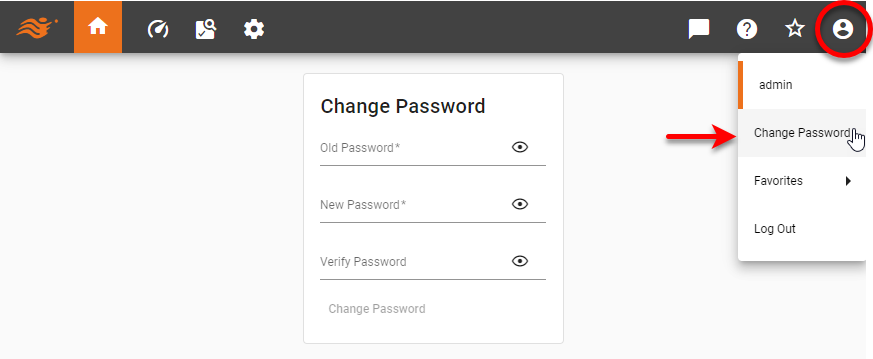
Enter the old password and new password, and press ‘Change Password’. To change a user’s password, see Create a User.