stackValue
For a stacked Chart (press ‘Select Chart Style’ button  and select the ‘Stack’ option), displays just the total value rather than individual groups values when the ‘Show Values’ property is enabled.
Example
Chart1.stackValue = true;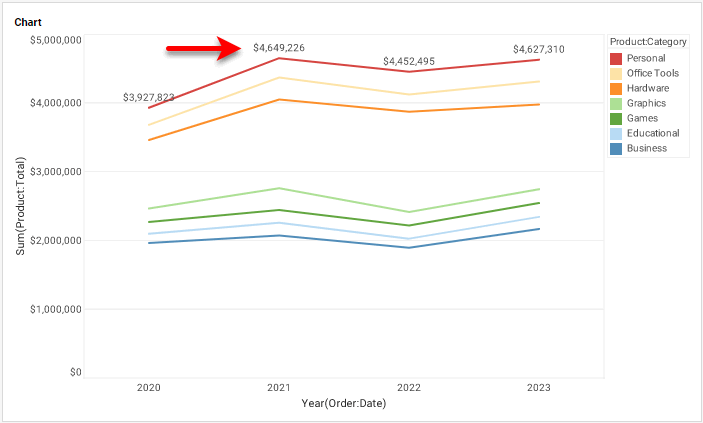
|
Either syntax below can be used in component script: For onInit/onRefresh scripts, and for component and property scripts on other components, the second (qualified) form is required. |