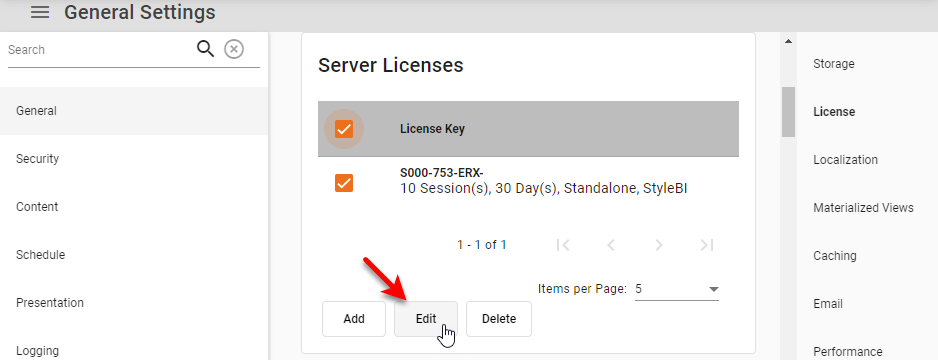
Administer License Keys
| This feature is available only in Enterprise Edition. |
Add License Key
To add a License Key in Enterprise Manager, follow these steps below:
-
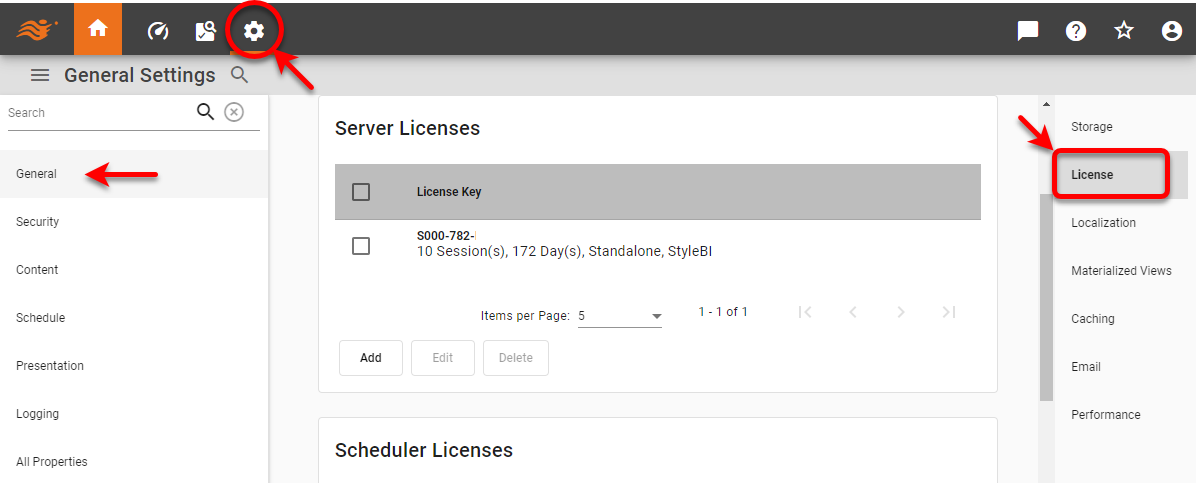
Press the ‘Settings’ button
 at the top of Enterprise Manager.
 -
Select the General page in the left panel.
-
Select the License page in the right panel.
-
Press the Add button.
-
Enter the new license key and press OK.