stackMeasures
For a stacked chart (press ‘Select Chart Style’ button  and select the ‘Stack’ option) in single-graph display (press the ‘Switch to Single Graph’ button
  ), this displays multiple measures in “stacked” format rather than side-by-side.
Examples
Chart1.stackMeasures = false;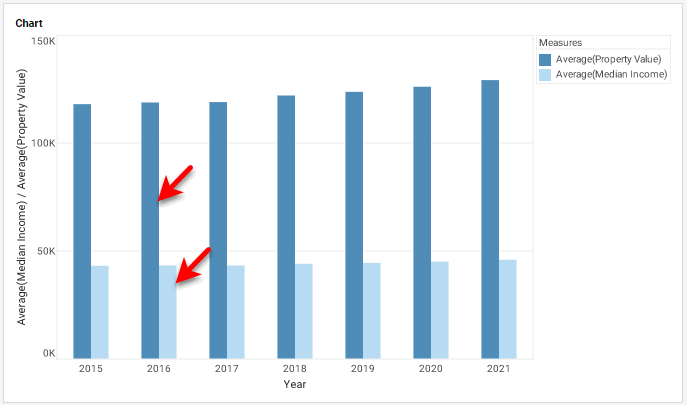
Chart1.stackMeasures = true;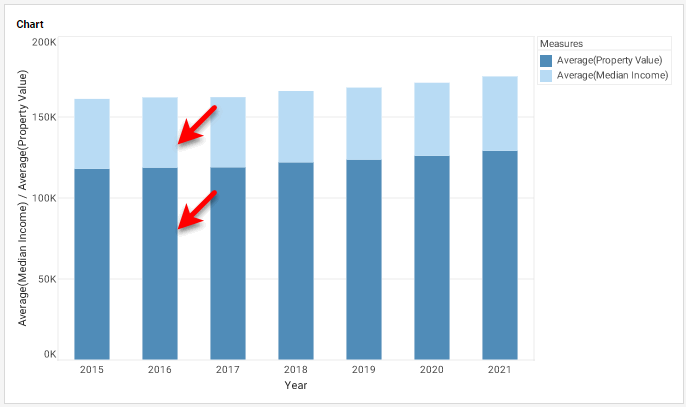
|
Either syntax below can be used in component script: For onInit/onRefresh scripts, and for component and property scripts on other components, the second (qualified) form is required. |