xAxis
Provides a shortcut to set axis properties for all X-axes. The available properties are listed in Chart Axis Properties and Measure Axis Properties.
Example
Chart1.xAxis.labelColor = [255,0,0];
Chart1.xAxis.rotation = 30;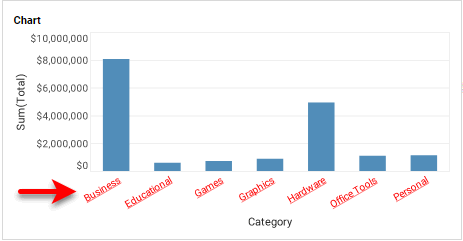
|
Either syntax below can be used in component script: For onInit/onRefresh scripts, and for component and property scripts on other components, the second (qualified) form is required. |
To set properties for a particular X-axis (e.g., ‘Category’), use the axis property together with the axis name:
Chart1.axis.Category.labelColor = [255,0,0];
Chart1.axis.Category.rotation = 30;