composite
|
Common Properties for properties shared with other components. |
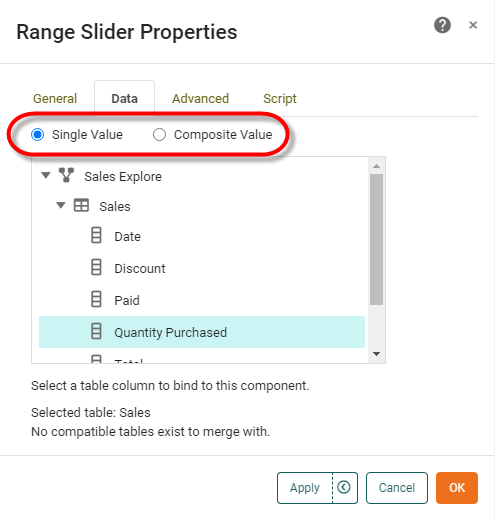
Specifies whether the Range Slider displays a single value or composite value. This is equivalent to selecting ‘Single Value’ or ‘Composite Value’ in the Data tab of the component ‘Properties’ dialog box.
Example
RangeSlider1.query = 'Sales';
RangeSlider1.fields = ['Region','Category'];
RangeSlider1.composite = true;
RangeSlider1.rangeType = StyleConstant.STRING;|
Either syntax below can be used in component script: For onInit/onRefresh scripts, and for component and property scripts on other components, the second (qualified) form is required. |