Shape Properties
|
The Shape component’s ‘Properties’ dialog box provides General, Shape, and Script tabs. The next sections discuss the component-specific properties available under these tabs.
General Tab
No special properties are available: See General Tab for information about this common tab.
Shape Tab
The Shape tab in the ‘Properties’ dialog box for shape components provides slightly different properties for each shape type, as explained below.
Properties that offer the ‘Value Type’ button  can also be set by the user (‘Variable’) or by scripted logic (‘Expression’). See Dynamically Set Properties for more information. can also be set by the user (‘Variable’) or by scripted logic (‘Expression’). See Dynamically Set Properties for more information.
|
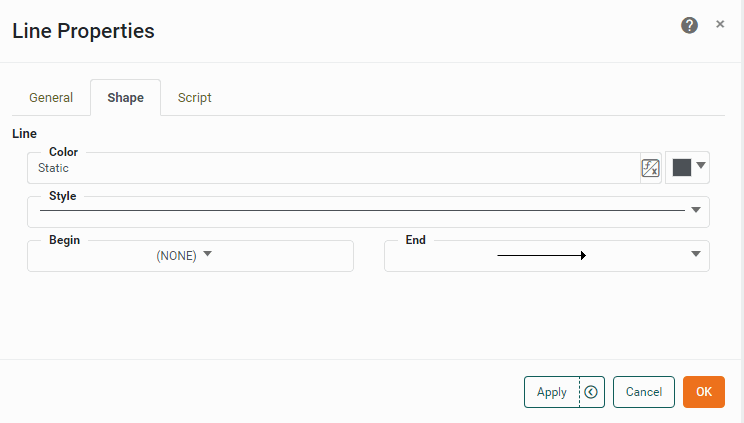
- Line: Style, Line: Color
-
Sets the line type (thickness, etc.) and color for shape borders. Available for all shapes.
- Fill: Color, Fill: Alpha
-
Sets the color and transparency of Oval and Rectangle shape interiors. An ‘Alpha’ value of 100% indicates complete opacity. An ‘Alpha’ value of less that 100% allows underlying components to be partially visible through the shape.
- Shape: Round Corners
-
Sets the radius (in pixels) for circularized corners on Rectangle shapes. Larger pixel values yield more gentle corners.
- Gradient
-
Sets a gradient fill for Rectangle and Oval shapes. See Add Background for instructions on how to build a gradient.
Script Tab
See Script Tab for information about this common tab.