measure
|
Common Properties for properties shared with other components. |
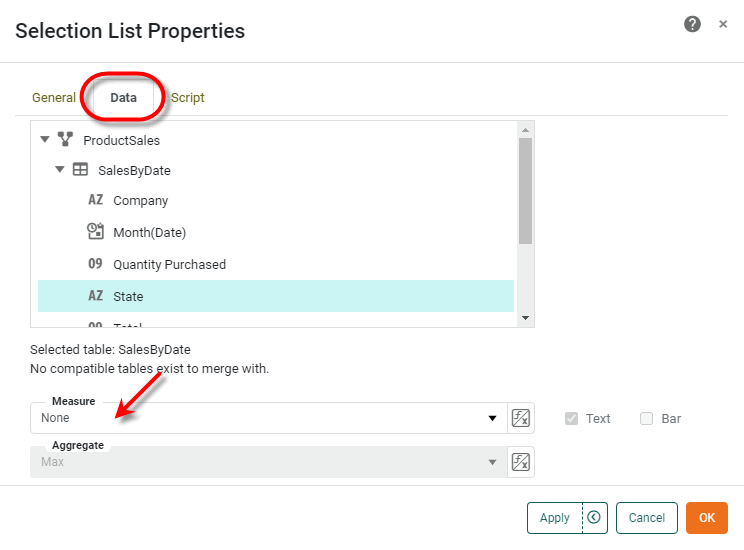
Specifies the measure field to be displayed by the Selection component. This is equivalent to selecting a field from the ‘Measure’ menu under the Data tab of the component ‘Properties’ dialog box.
Example
SelectionList1.query = 'SalesByDate';
SelectionList1.fields = ['State'];
SelectionList1.measure ='Total';
SelectionList1.formula = StyleConstant.MAX_FORMULA;|
Either syntax below can be used in component script: For onInit/onRefresh scripts, and for component and property scripts on other components, the second (qualified) form is required. |