Selection Container Properties
|
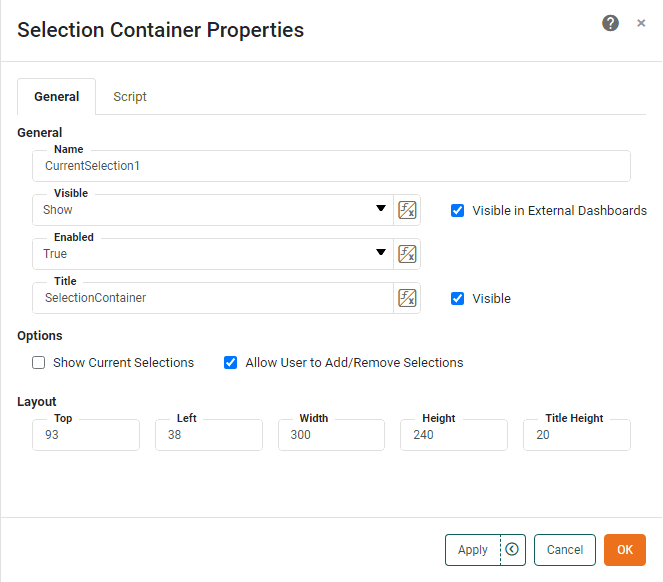
The ‘Selection Container Properties’ panel provides only the General and Script tabs.
General Tab
The General tab offers the following unique properties for the Selection Container.
- Show Current Selections
-
Enables the Selection Container to display the current state of all Dashboard selection controls.
- Allow User to Add/Remove Selections
-
Enables the end-user to add new filters to the Selection Container. Filters can be added by pressing the ‘Add Filter’ button
 in the mini-toolbar, or by dragging columns from a Table component.
Script Tab
See Script Tab for information about this common tab.