Data Worksheet Properties
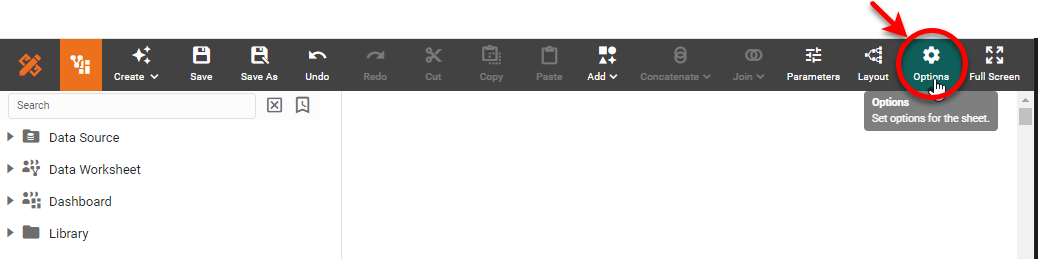
To access Data Worksheet properties, press the ‘Options’ button  in the Visual Composer toolbar.
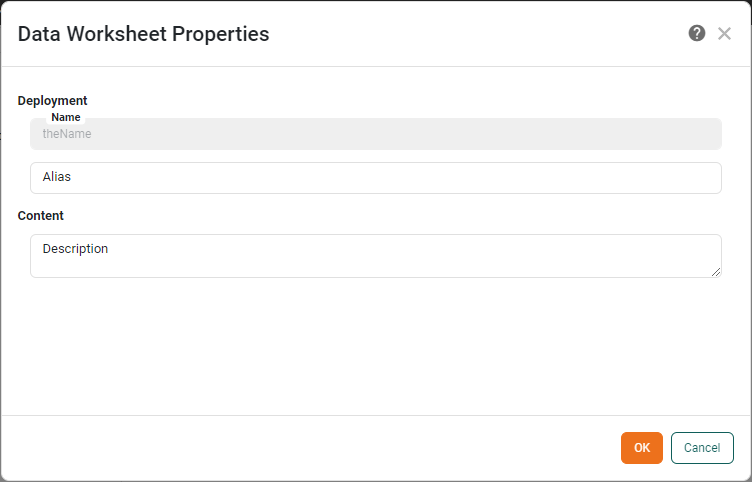
Enter a desired ‘Alias’ and ‘Description’ for the Data Worksheet. When specified, the alias will be displayed in the data source listing instead of the name.
|
To change the name of a Data Worksheet, press the ‘Actions’ button |
