Visual Composer Console
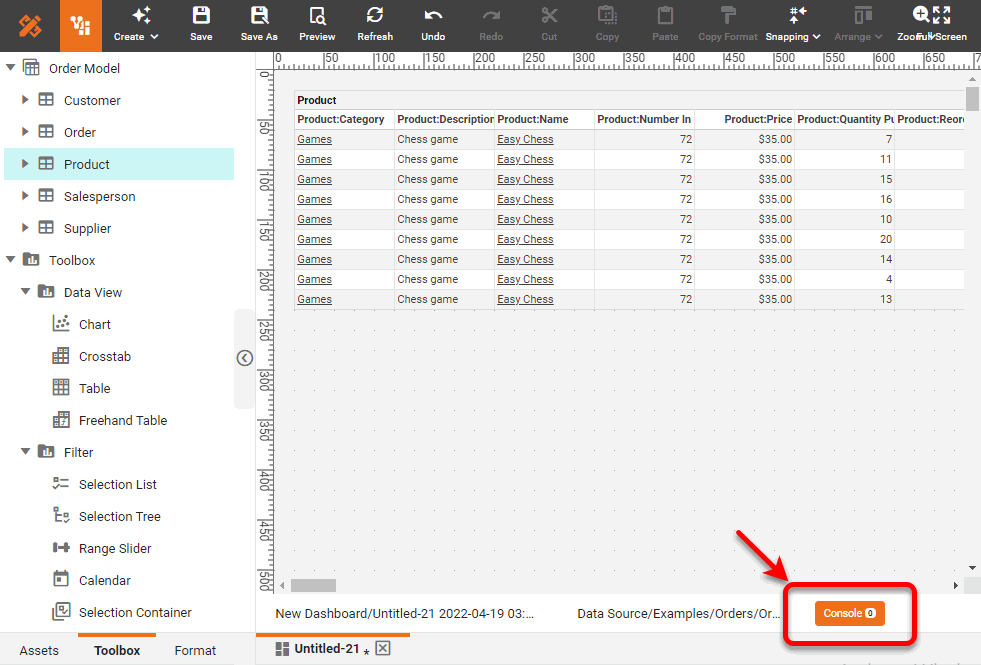
The Visual Composer Console allows you to view errors that occur while you are designing a Dashboard, for example, when a query fails to execute. To open the Console, press the Console button at the bottom of the window.
Use the menu to select the level of information that you want to see reported in the console: ‘All’, ‘Error’, ‘Warning’, or ‘Info’.
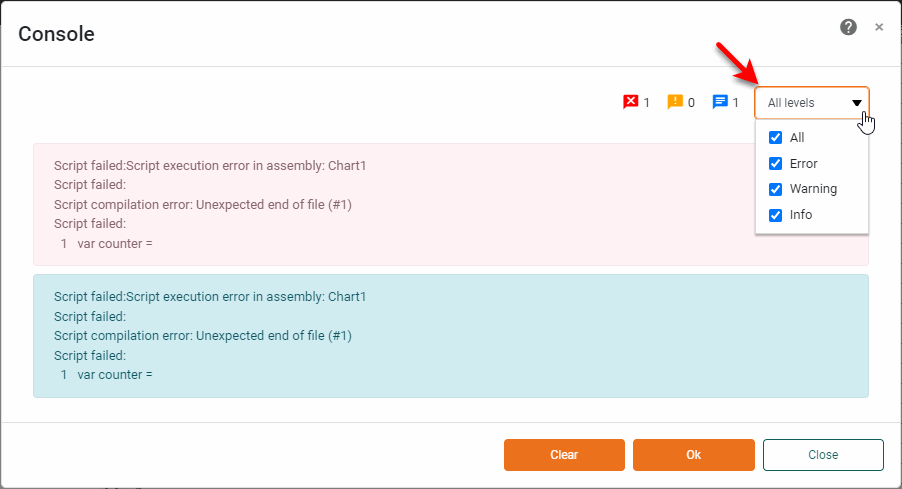
To clear the contents of the Console window, press the Clear button.