Container Properties
|
The ‘Container Properties’ panel provides General, Advanced, and Script tabs. The next sections discuss the Container-specific properties available under these tabs.
General Tab
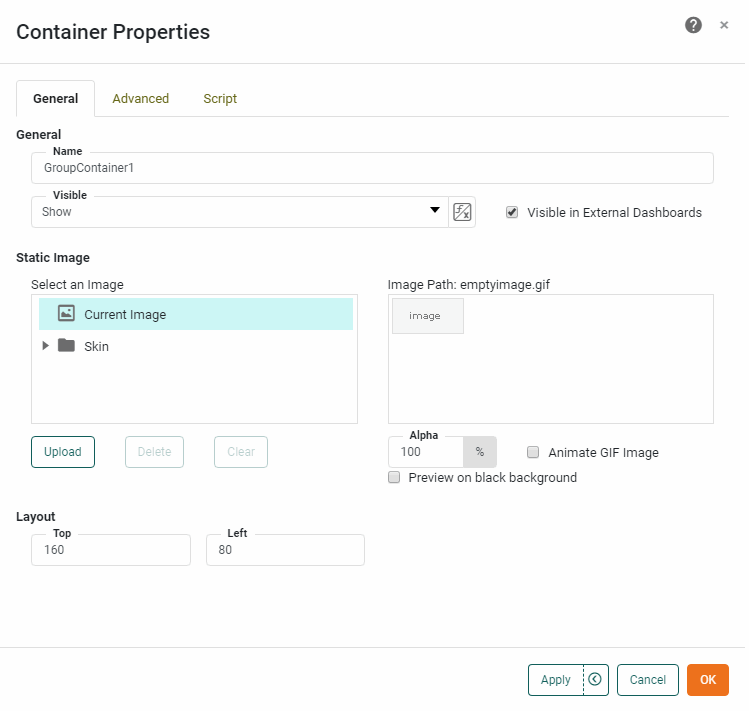
The General tab in the ‘Container Properties’ panel is the same as that for the Image component, and allows you also to specify an image to be used as the group background. See Image Properties for details on how to select the image.
Advanced Tab
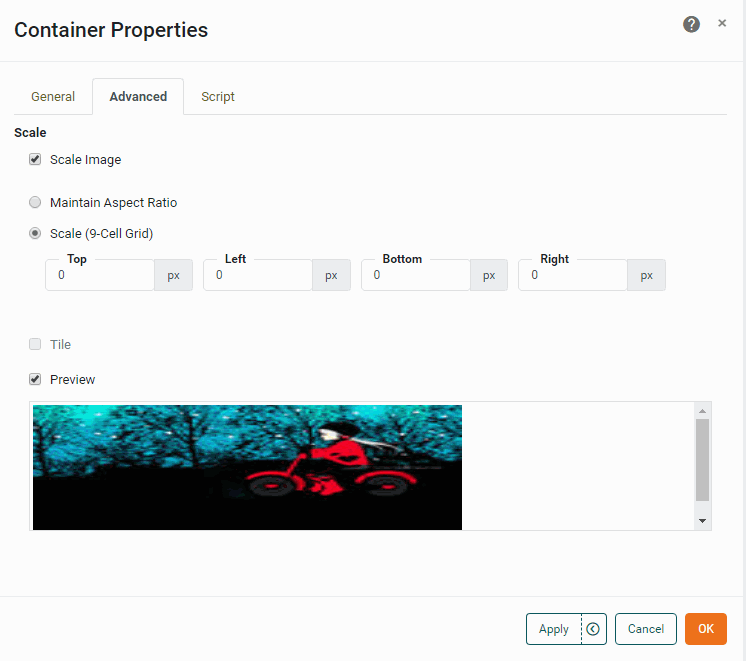
The Advanced tab in the ‘Container Properties’ panel is the same as that for the Image component, and allows you to set the scaling properties of the group background image. See Image Properties for details on image scaling.
Script Tab
See Script Tab for information about this common tab.