Tabbed Interface Properties
|
The ‘Tab Properties’ panel provides only General and Script tabs.
| Note: To open the Tabbed Interface ‘Properties’ dialog box, right-click in the tab region, and select ‘Properties’. |
General Tab
The General tab allows you to assign labels to the different tabs and modify their order.
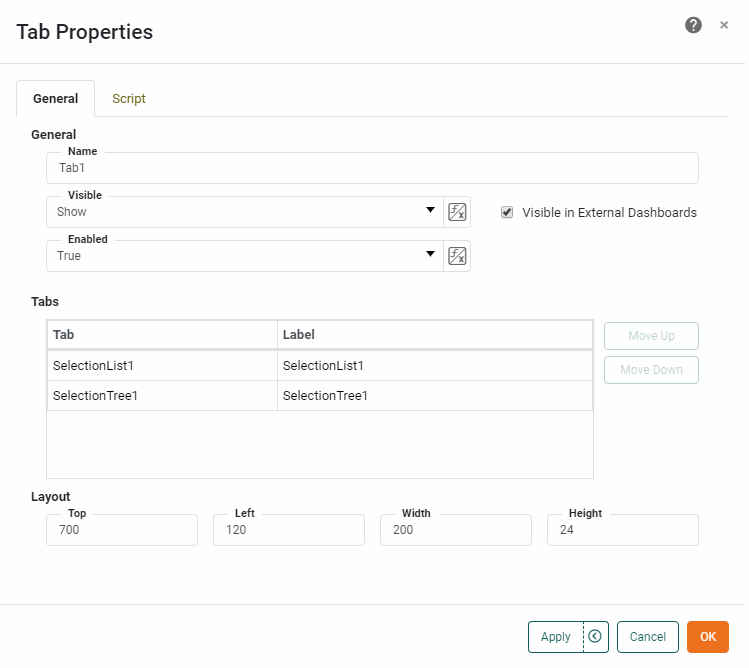
To change a tab label, select the desired tab in the ‘Tab’ list, enter the new label text in the ‘Label’ field, and press OK. To change the position of the selected tab, press Move Up or Move Down.
Script Tab
See Script Tab for information about this common tab.