addImage(label, image)
| Change Images with Script for another approach to dynamically setting images in Dashboards. |
Makes an image available in the ‘Uploaded’ folder of the ‘Image Properties’ dialog box.
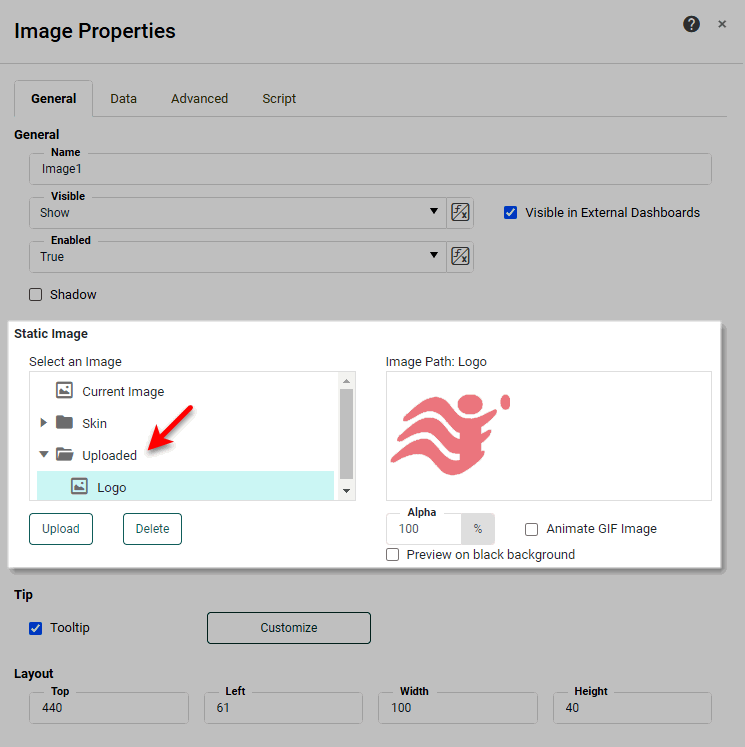
After the image is added to the ‘Uploaded’ folder, you can display the image in any Image component by selecting its label the ‘Image Properties’ dialog box, or by assigning the label to the Image component’s image property, as shown in the example below.
Parameters
- name
-
Label under which the image should be listed in the ‘Uploaded’ folder
- image
-
An image object, such as provided by getImage(string)