fields
|
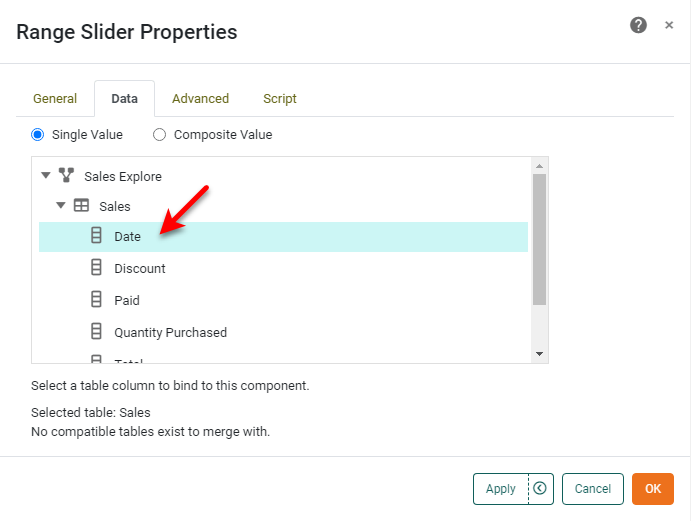
Specifies the field (for single value) or fields (for composite value) of the data block to be displayed by the Range Slider component. This is equivalent to selecting fields under the Data tab of the component ‘Properties’ dialog box.
Examples
Single-value Range Slider
RangeSlider1.composite = false;
RangeSlider1.query = 'Sales';
RangeSlider1.fields = ['Date'];
RangeSlider1.rangeType = StyleConstant.DATE;
Composite-value Range Slider
RangeSlider1.composite = true;
RangeSlider1.query = 'Sales';
RangeSlider1.fields = ['Region','Category'];
RangeSlider1.rangeType = StyleConstant.STRING;|
Either syntax below can be used in component script: For onInit/onRefresh scripts, and for component and property scripts on other components, the second (qualified) form is required. |