Configure the Portal
To manage user preferences in the Portal, press the ‘Setting’ button  at the top of the Portal and select ‘Preferences’
  .
.
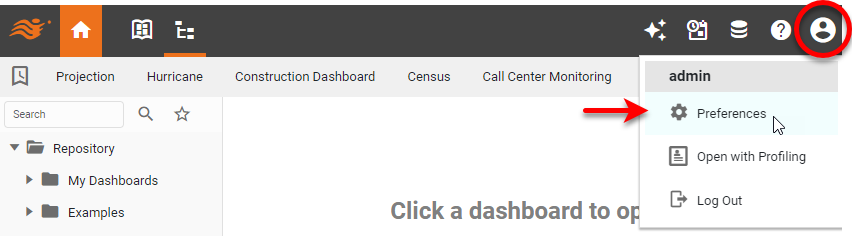
This opens the ‘Preferences’ dialog box.
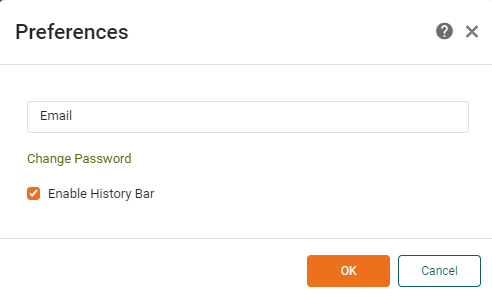
The following preferences are available:
- Change Password
-
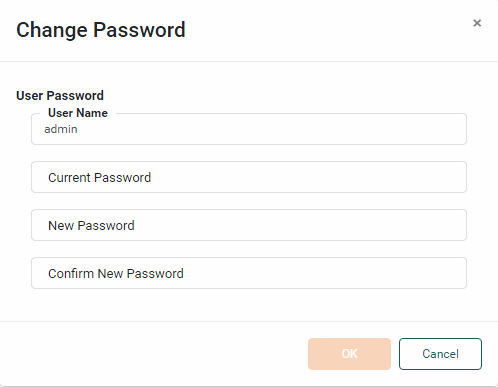
Press the ‘Change Password’ link to open the ‘Change Password’ dialog box. Enter your current password and a new password and press OK.
-
Enter the email address to which notifications should be sent.
- Enable History Bar
-
Displays the Portal history bar, which shows recently accessed Dashboards.