Test a VPM
| This feature is available only in Enterprise Edition. |
To test the VPM row and columns filters, follow the steps below.
-
If necessary, create a VPM as explained in Create a New VPM.
-
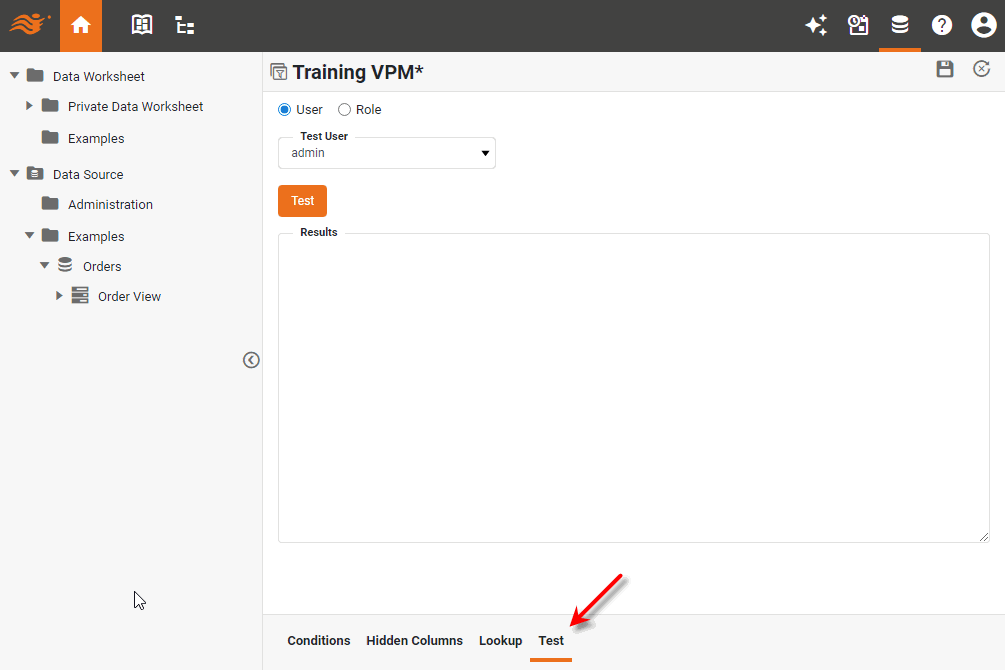
Select the Test tab at the bottom.
-
Select the user or role for which to test the VPM.
-
Press the Test button.
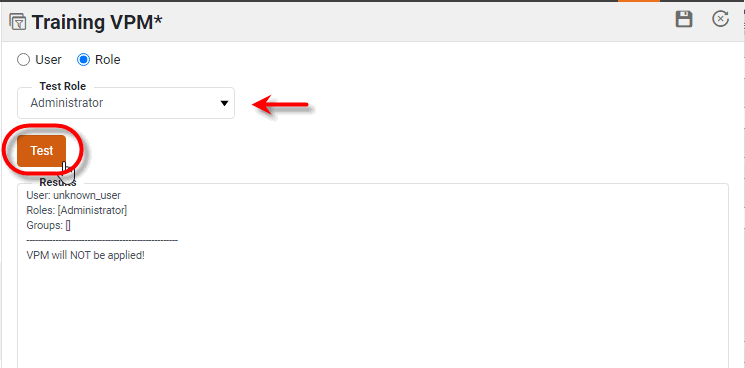
The ‘Results’ panel displays information about how the VPM will be applied for the selected user or role.