Navigate Enterprise Manager
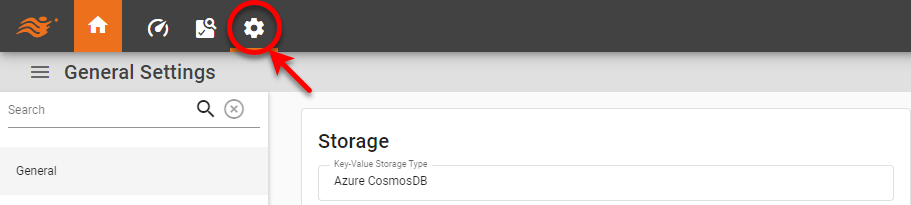
After you have logged in to Enterprise Manager, press the ‘Settings’ button  at the top of the page to access the various administrative operations.
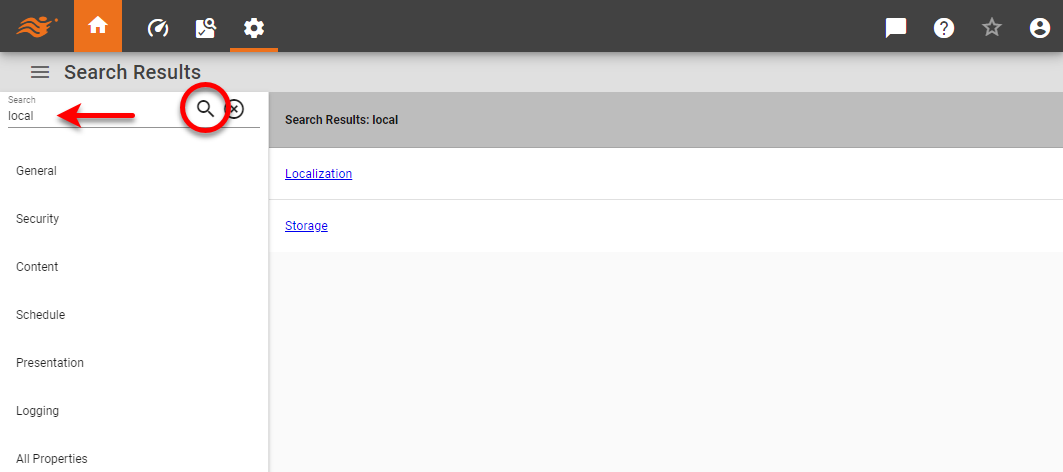
Use the left-side navigation tree to access desired properties. In many cases you may find it easier to simply search for the desired settings.
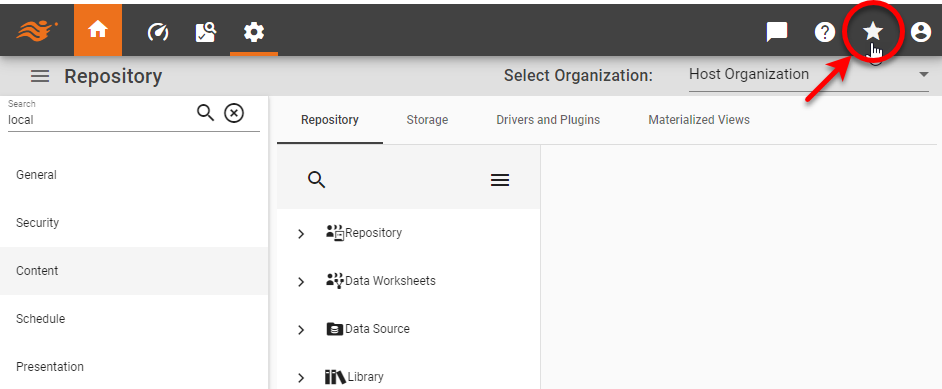
You can mark a page that you use frequently as a favorite. To do this, navigate to the desired page in Enterprise Manager, and press the ‘Add Bookmark’ button  in the main toolbar.
To return to this page at a later time, press the ‘User Options’ button  in the toolbar, and select the desired bookmark from the ‘Favorites’ menu.
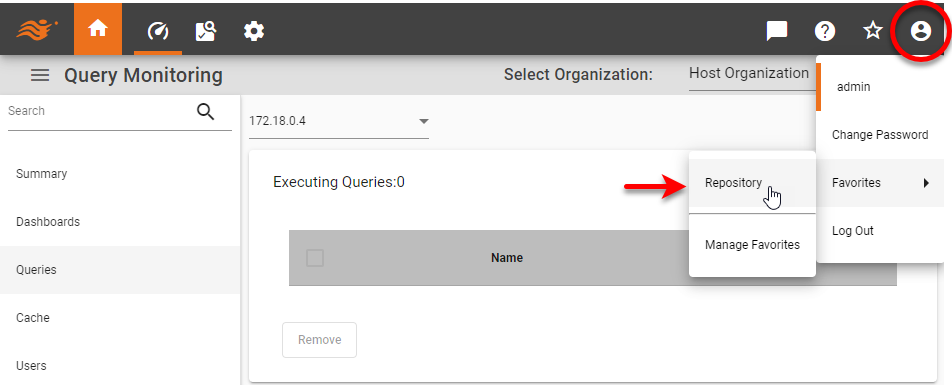
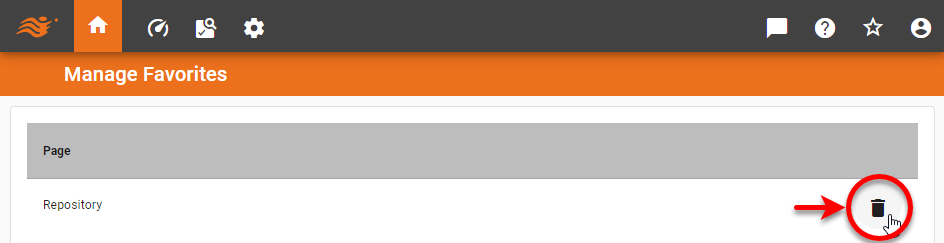
To delete an existing bookmark, press the ‘User Options’ button in the toolbar, and select ‘Manage Favorites’ from the ‘Favorites’ menu. Then press the ‘Delete’ button  next to the bookmark that you want to remove.