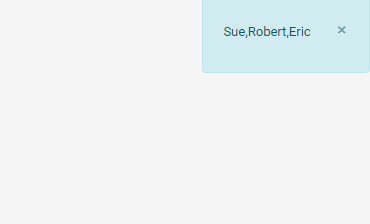
alert(message,level)
| confirm(message) to prompt the user with a choice dialog box. |
Opens a box on the screen to display the specified message. This function does not pause script execution.
Parameters
- message
-
String containing the message to display
- level
-
One of the following strings specifying the alert level:
The term “toast” refers to the standard auto-expiring notification used for messages in the User Portal. -
'OK': Light-color toast -
'TRACE': Dark-color toast -
'DEBUG': Same as'TRACE' -
'INFO': Light-color toast, write to console -
'WARNING': “Warning” modal dialog box with OK button, write to console -
'ERROR': “Error” modal dialog box with OK button, write to console -
'CONFIRM': “Confirm” modal dialog box with Yes and No buttons -
'OVERRIDE': “Override” modal dialog box with Yes and No buttons
-