Submit Button Properties
|
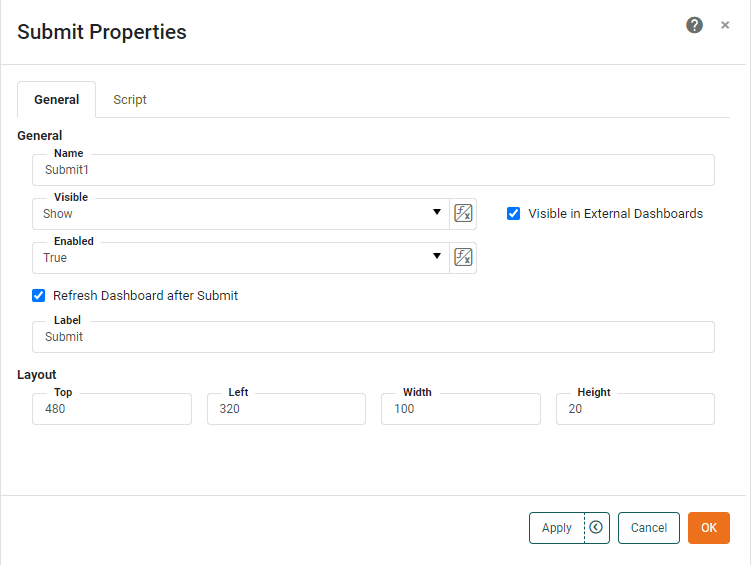
The Submit component’s ‘Properties’ dialog box provides General and Script tabs. The next sections discuss the component-specific properties available under these tabs.
General Tab
The General tab in the ‘Submit Properties’ panel provides the following unique properties.
- Label
-
The text to be displayed on the button face.
- Refresh Dashboard after Submit
-
When enabled, refreshes all Dashboard components when the user presses the ‘Submit’ button. When disabled, the only components refreshed when the user presses the ‘Submit’ button are those currently being filtered by Selection List, Selection Tree, Range Slider, or Calendar.
Script Tab
See Script Tab for information about this common tab.